

Payments, Credits, and Adjustments post automatically into Business Central
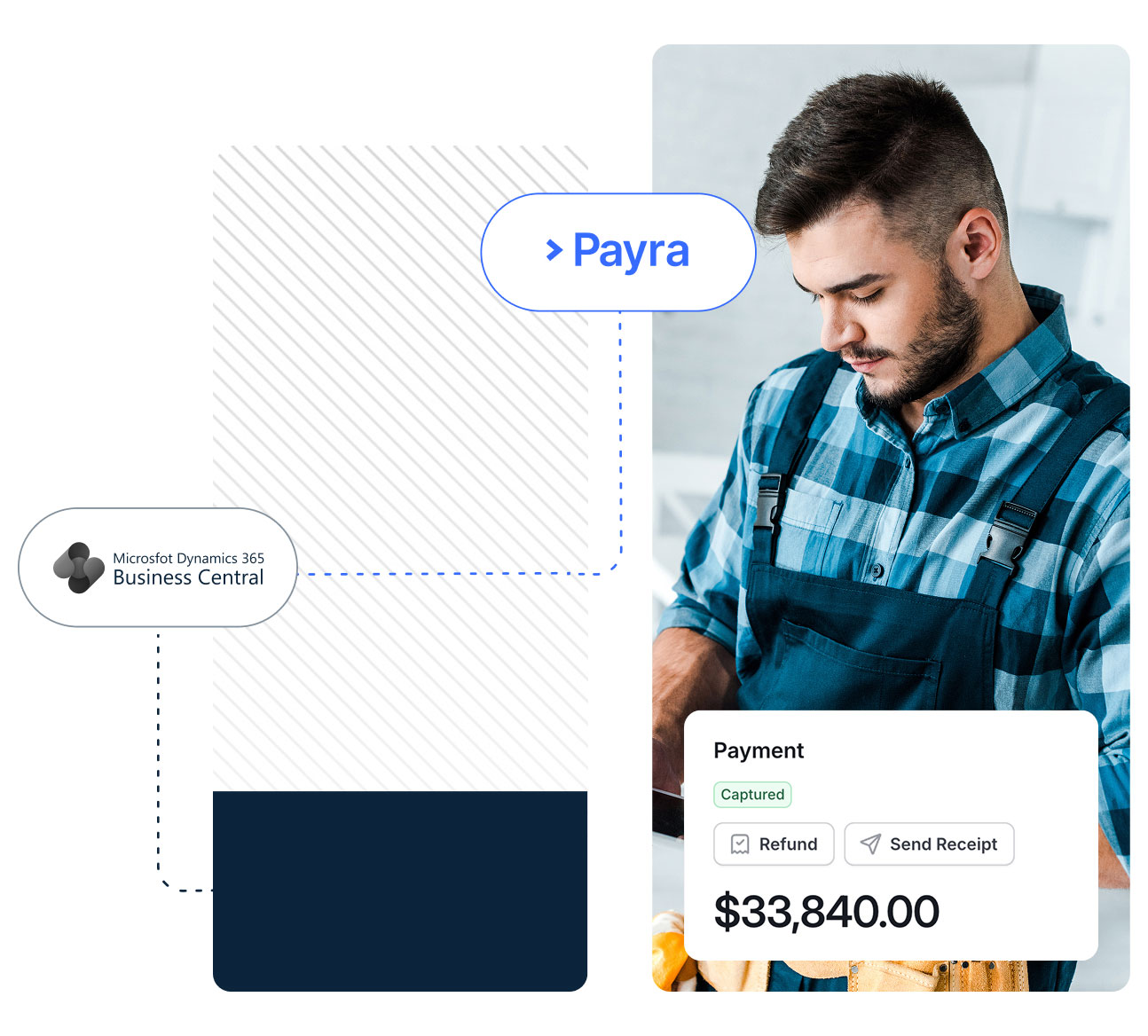
Accept card, ACH, and check payments that flow straight into your Business Central receivables, customer cards, and ledger. Native integration, two-way sync. Business Central stays your system of record.


.webp)
.webp)



.webp)
.webp)

.webp)
.webp)

.webp)
Your business lives in Business Central. Your payments should too.
The ledger you trust never leaves Business Central; Payra just makes keeping it current effortless.

Sales invoices, service invoices, and recurring billing flow from Business Central into Payra the moment they're posted with your customers, payment terms, and open balances already attached. Nothing to export, nothing to key in twice.

When a customer pays, Payra records the payment in Business Central, settles it against multiple open invoices, and posts the deposit to the right bank account. No manual cash receipt journal, no unapplied payments sitting on the customer ledger, no end-of-month cleanup.

Run more than one company in Business Central? Payra posts every transaction to the correct company automatically and respects your intercompany setup. One realtime view across the whole business without manual journals to reconcile.

Merchant fees post to their own G/L account. Refunds, voids, and chargebacks write back to Business Central as the right document type. Customer deposits and credit memos stay accurate on both sides. Your bank reconciliation matches because the cash settled correctly the first time.
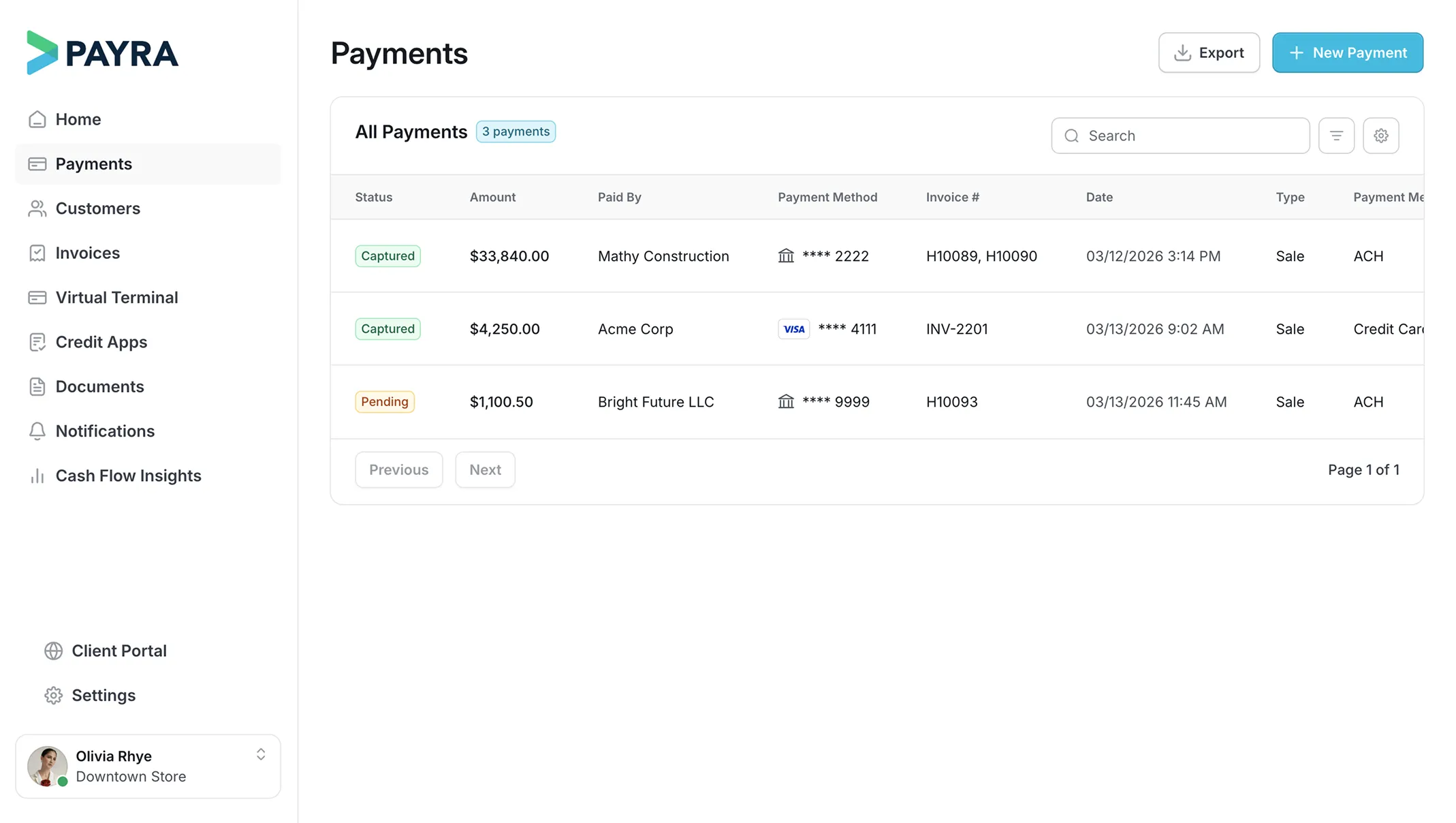

All modules inside


What Payra automates inside Business Central

Sales invoices, service invoices, and project billing created in Business Central are delivered electronically and paid through Payra. One payment layer for every way you bill.
Card, ACH, and check payments settle against open invoices and post as a batch through the cash receipt journal; no manual entry, no matching in a spreadsheet. Get your week back and let your team work exceptions, not data entry.
Issue and apply credit memos and customer deposits in Business Central or Payra, and they stay in sync. Customers see their open balance and available credit in your Payra portal — one source of truth instead of a call to accounting.
Capture payments at the counter, in the field, or across your locations and have them post to the right Business Central company instantly. Close faster with a ledger that's never waiting on a batch upload.
Live in 3 weeks
See how the only real time Business Central integration works.
Connect
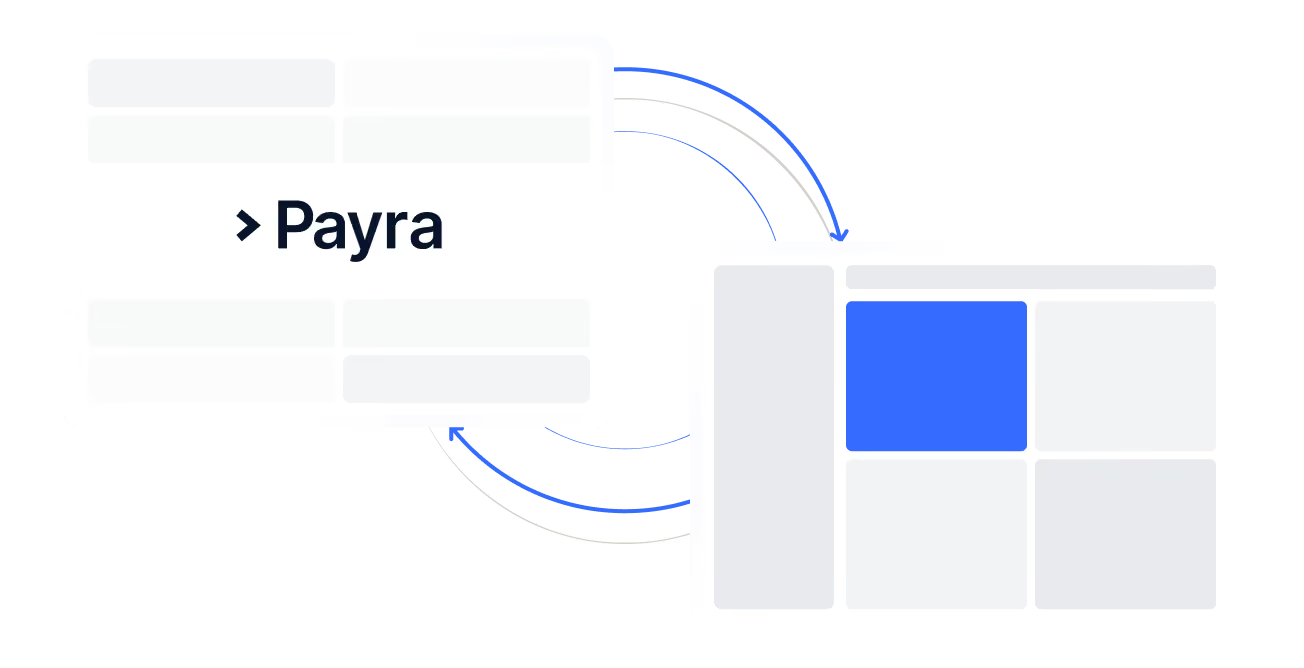
Payra connects to your Business Central instance and pulls in customers, invoices, statements, transactions, and more.
.avif)
Approve
Interact and verify your real data in Payra. Check customers, balances, and more. Have full confidence that the systems mirror each other.
Deploy
Payra is synced with your live environment and payments are being collected and posted in real time! The whole process takes 3 weeks.
Enterprise-grade, built to move transactions of any size
What you can expect from Payra:
40%
Reduction in DSO

3 weeks
Average time to go fully live
99%
Automatic cash application match rate
75%
Reduction in customer calls and follow-ups


%20(1).webp)

Enterprise-grade security. Built in from day one.
Your data is protected, your transactions are secure, and your customers can trust the experience on every interaction.


FAQs
Do you offer training?
Yes. Every Business Central customer gets onboarding and training as part of setup, plus ongoing support from our Customer Success team.
How many people can I add to Payra?
You can add your full team, no per-seat limits.
Will payments automatically reconcile in Business Central?
Yes. Payments sync directly to Business Central and reconcile against open customer ledger entries automatically, no manual matching required.
Does Payra work with our existing Business Central chart of accounts?
Yes. Payra reads your existing chart of accounts, dimensions, and posting groups as they're already set up in Business Central. No restructuring required.
Is payment data visible inside Business Central, or do I have to switch between systems?
Payment data posts directly to Business Central. You can see payment status and applied cash receipts from inside Business Central without logging into a separate portal.