

From credit application to credit applied. All inside Payra.
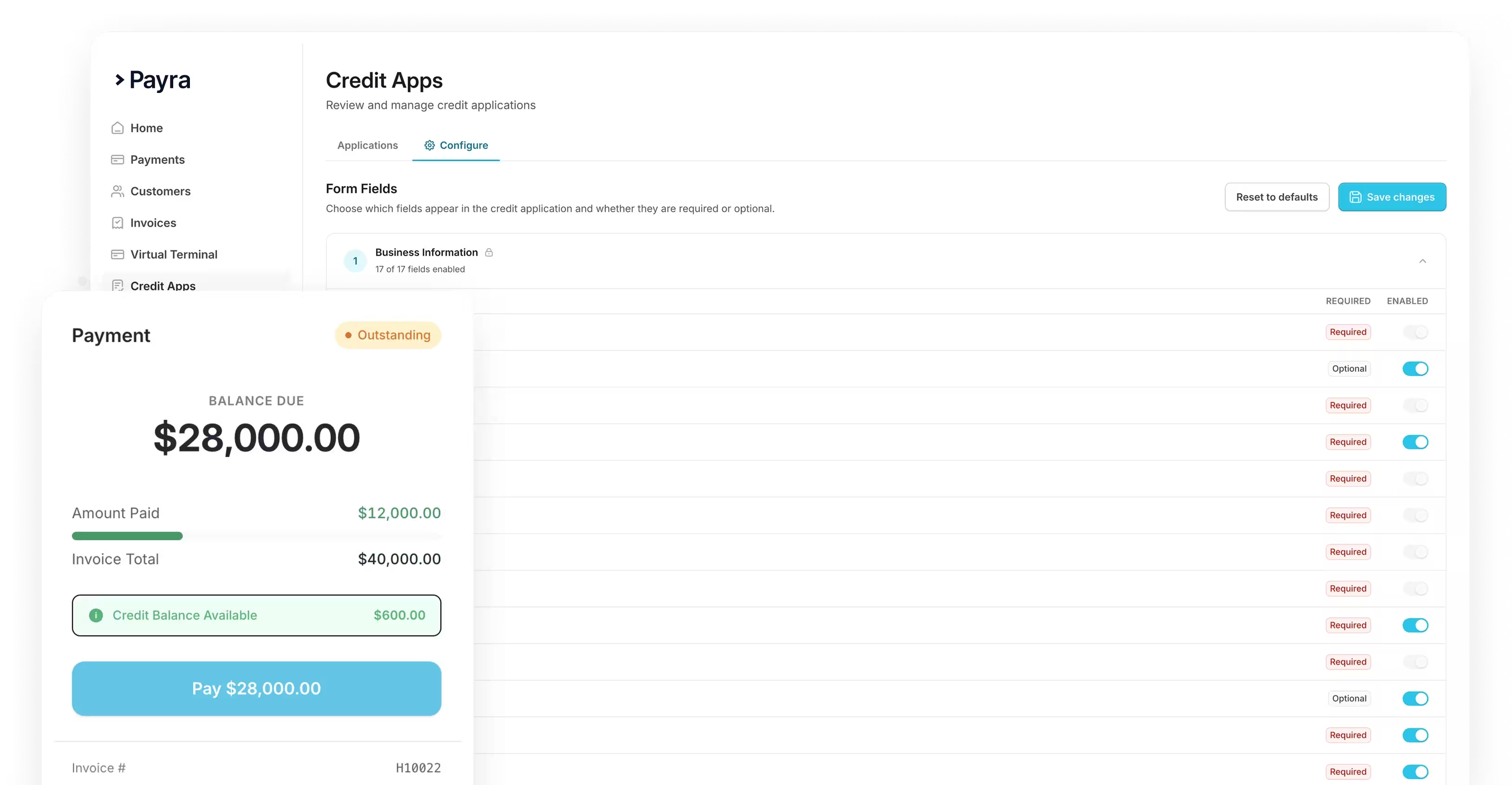
Payra modernizes your entire credit process. New customers apply digitally with bureau data pulled automatically. Existing customers see their credit balances in real time across every payment link and the client portal, always reflecting exactly what is in your ERP.


.webp)
.webp)



.webp)
.webp)

.webp)
.webp)

.webp)
Credit drives your customer relationships. Most businesses still run it on paper.

A modern credit experience for new customers & existing ones.
1. Digital credit applications on your website or sent as a link
2. Credit balances surface accurately everywhere, in real time
3. Credits applied by staff or the customer, your choice

Every part of the payment cycle covered.

Credit Management


Whatever ERP you’re running we can integrate










Enterprise-grade, built to move transactions of any size
Invoices go out, payments come in, and client notifications run themselves, all without a single export, login, or spreadsheet.
40%
Reduction in DSO

3 weeks
Average time to go fully live
99%
Automatic cash application match rate
75%
Reduction in customer calls and follow-ups


%20(1).webp)

Enterprise-grade security. Built in from day one.
Your data is protected, your transactions are secure, and your customers can trust the experience on every interaction.


FAQs
How do customers submit a credit application?
Customers complete a digital credit application directly from your website or a link, so there's no separate portal or paper form for your team to track down and re-key.
How is a customer's creditworthiness evaluated?
Payra pulls in trade references, credit bureau data, and payment history to help underwrite new accounts, giving your credit team a clear picture before you decide how to extend terms.
How do we monitor customer credit balances in real time?
Credit balances update automatically as invoices, payments, and credits post, so your team always sees an accurate, real-time available-credit figure instead of a stale report.
Is credit balance management required, or is it optional?
Credit balance management is optional - you can turn it on if your business extends credit and needs to track limits and holds, or leave it off if it doesn't fit how you run AR. When enabled, the rules are configurable to match your specific credit policies.