

.webp)
.webp)



.webp)
.webp)

.webp)
.webp)

.webp)
Manual follow-up is inconsistent, time-consuming, and always someone's problem.

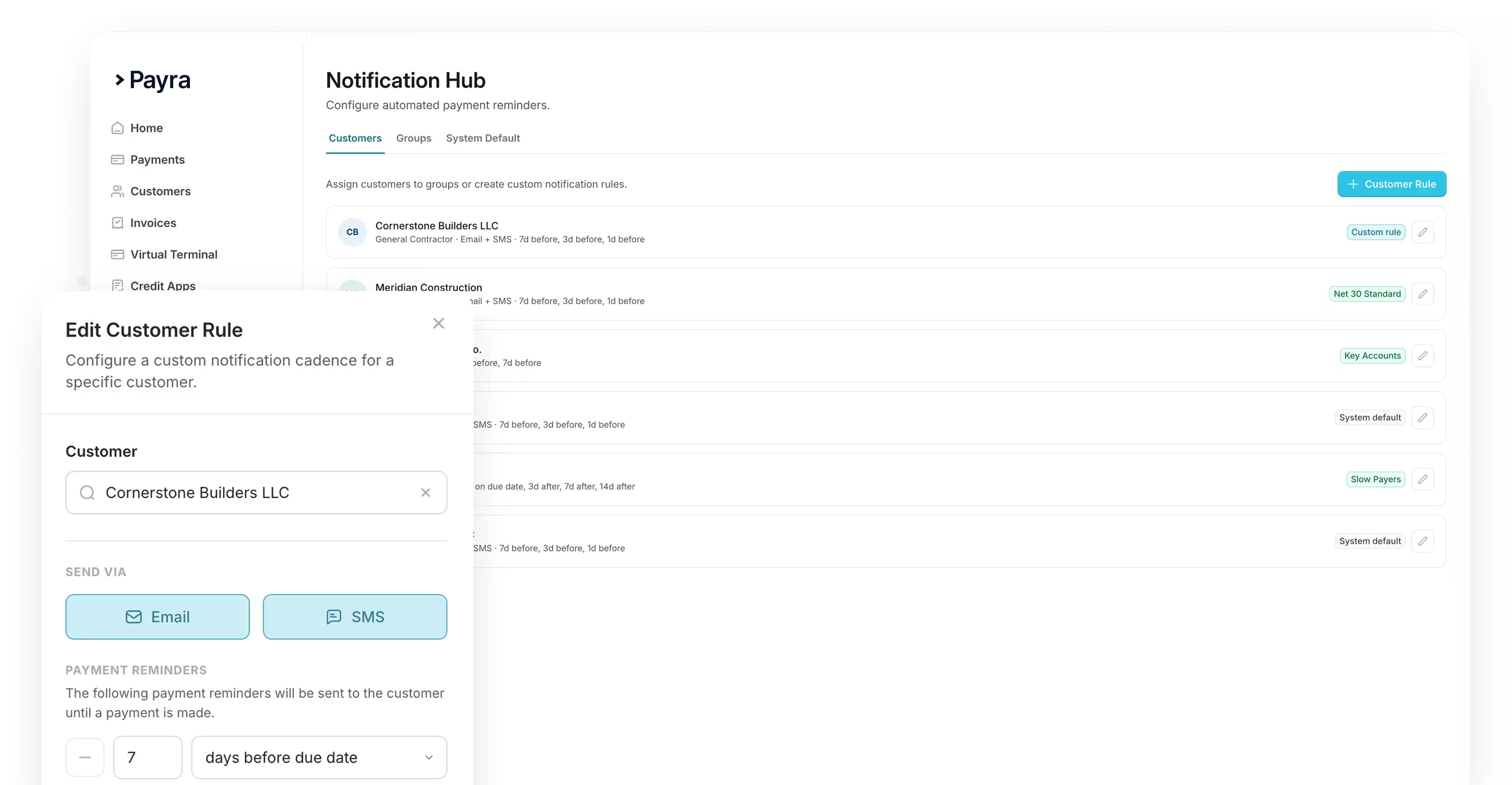
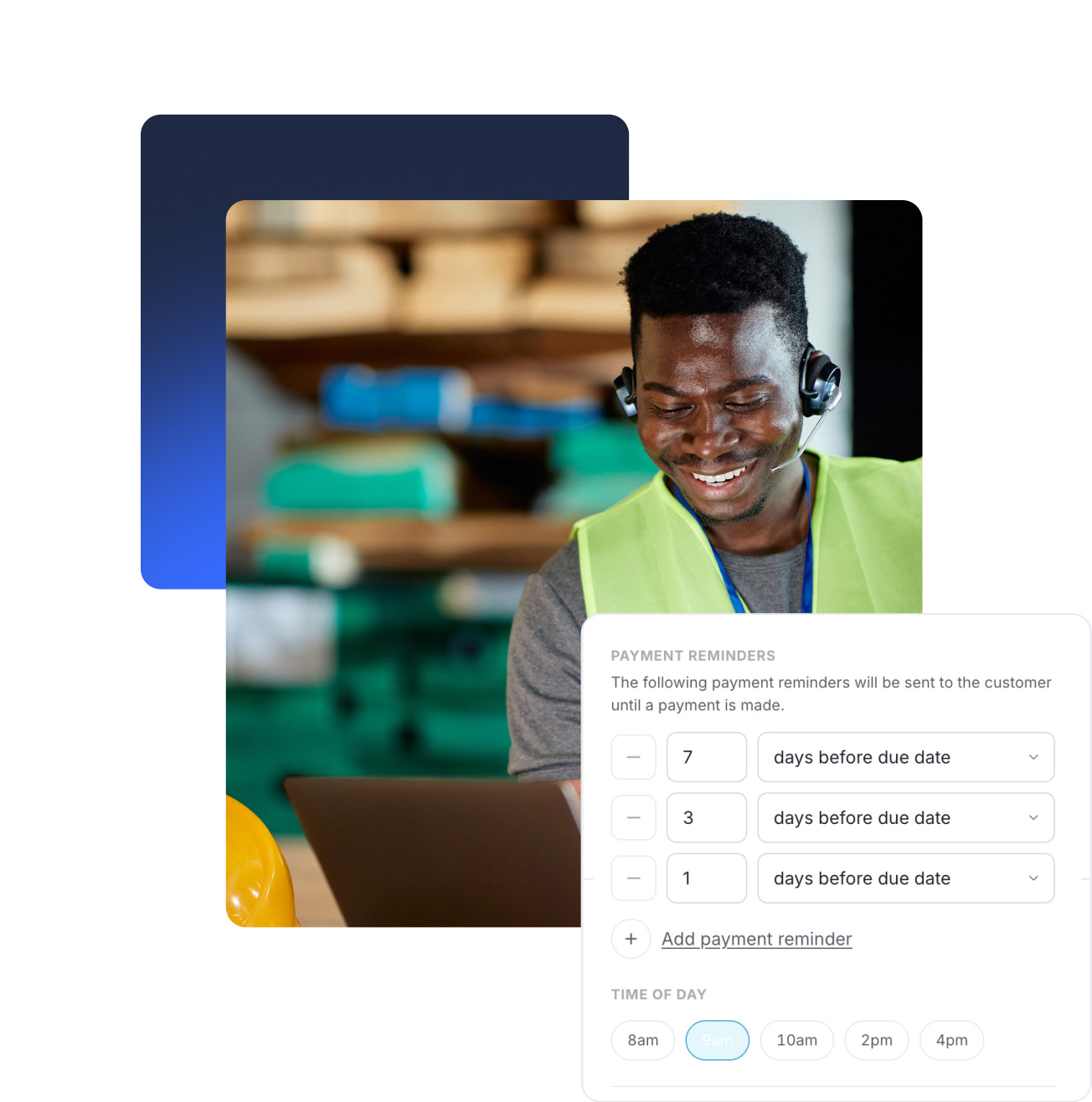
Configured once. Running forever. Stops the moment they pay.
1. Set your cadence by system, group, or individual customer
2. Reminders go out by email & text, with the payment link included
3. Auto-escalation keeps your accounting team in the loop
Every part of the payment cycle covered.


Custom Notifications


Whatever ERP you’re running we can integrate










Enterprise-grade, built to move transactions of any size
Invoices go out, payments come in, and client notifications run themselves, all without a single export, login, or spreadsheet.
40%
Reduction in DSO

3 weeks
Average time to go fully live
99%
Automatic cash application match rate
75%
Reduction in customer calls and follow-ups

%20(1).webp)

Enterprise-grade security. Built in from day one.
Your data is protected, your transactions are secure, and your customers can trust the experience on every interaction.


FAQs
Can reminders be customized by customer or invoice type?
Yes. Cadences can be tailored at the system level, by customer group, or down to an individual customer, so you're never stuck with one blanket rule for every account.
Do reminders stop once an invoice is paid?
Yes. As soon as an invoice is paid, the reminder sequence stops automatically, so customers never get a follow-up for something they've already taken care of.
Does this replace our AR team's collections calls?
For most day to day follow-up, yes. The reminder sequence runs on its own so your AR team isn't manually calling or emailing every customer, which frees them up for accounts that need real attention.
Can we see which reminders have gone out to a customer?
Yes. Notification history is tracked per customer and invoice, so your team has full visibility into what's already been sent before reaching out personally.