



.webp)
.webp)



.webp)
.webp)

.webp)
.webp)

.webp)
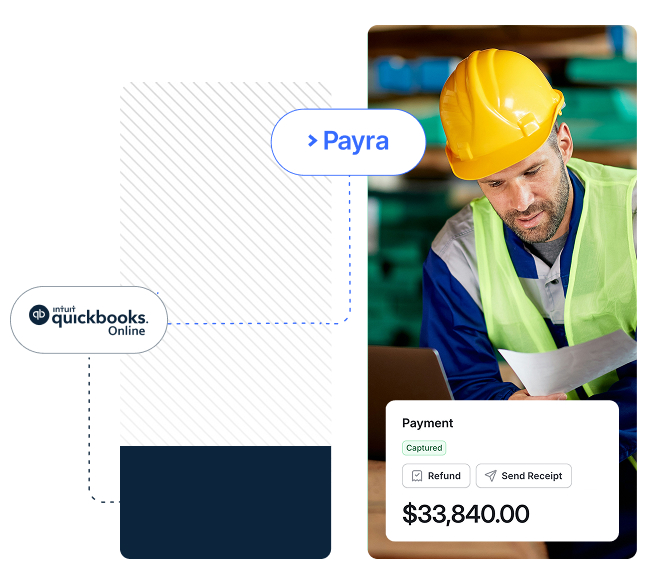
Your business lives in QuickBooks. Your payments should too.
The ledger you trust never leaves QuickBooks Online; Payra just makes keeping it up-to-date effortless.

AR and sales order invoices flow from QuickBooks Online into Payra automatically — alongside your customers, their credit balances, and any adjustments. Whatever you bill, you can collect on it the moment it posts.

When a customer pays, Payra applies the cash in QuickBooks Online, even splitting a single payment across multiple invoices. No exports, no manual matching, no end-of-month surprises.

Payra delivers your actual QuickBooks Online PDF invoice, with the file attachments customers need to pay, pulled straight from QuickBooks Online. No re-creating documents, no separate uploads — what you bill is exactly what they see.

Processing fees post to their own GL account. Refunds and voids sync back to QuickBooks Online. Advance payments and credit balances stay accurate on both sides. Your finances always stay reconciled.
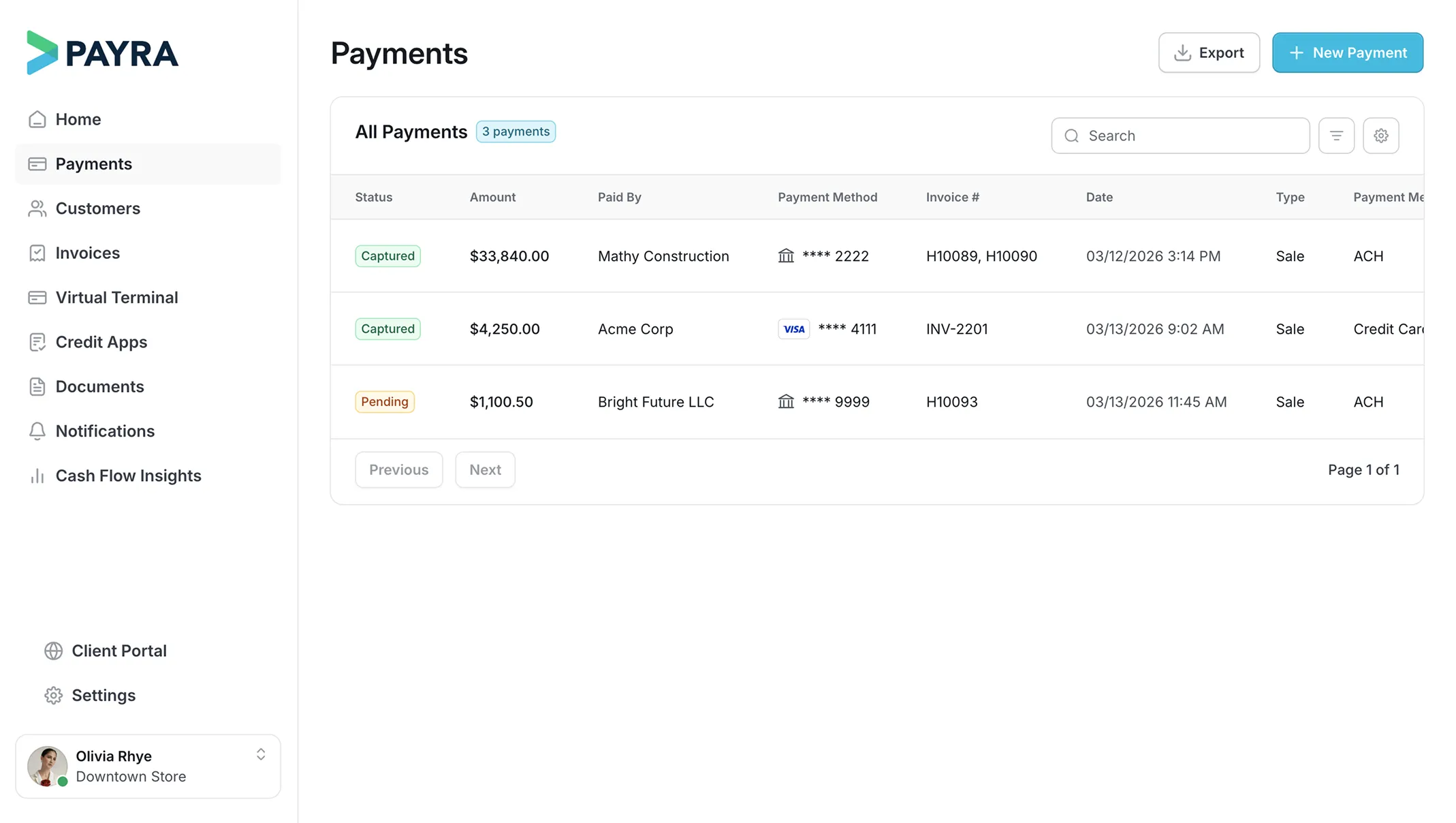

All modules inside


What Payra automates inside QuickBooks Online

Created in QuickBooks Online and delivered electronically via Payra. Payra is the only solution that delivers your QuickBooks Online pdf invoice. Both AR and sales order invoices are supported.
Get hours of your week back with automated cash applications from all payment types – card, check, and ACH. No more double entry of transactions, letting you get back to the work that truly matters.
Apply and manage credit memos on customers in QuickBooks Online or Payra. Customers can see their balances in your white-labeled client portal, a single source of truth.
Invoice adjustments made in QuickBooks Online flow into Payra so balances always match. Whatever changes on the ledger is reflected in what your customer owes — no stale invoices, no reconciliation gaps.
Live in 3 weeks
See how the only real time QuickBooks Online integration works.
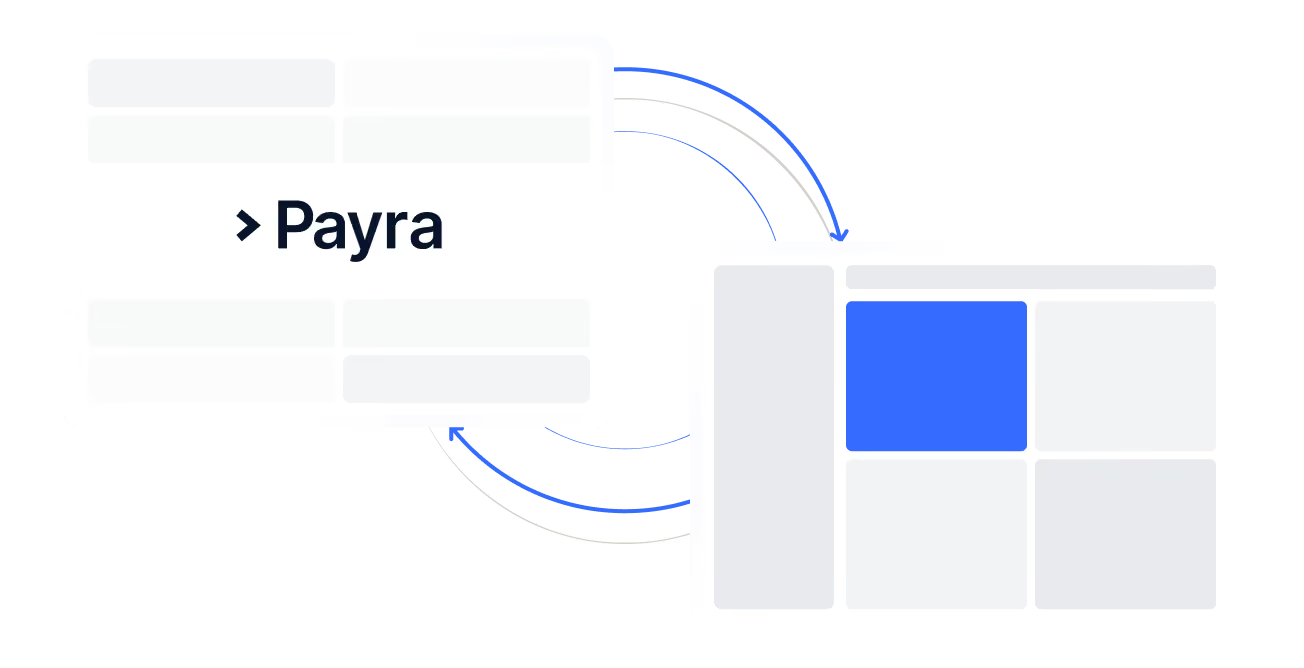
Connect
Payra connects to your QuickBooks Online instance and pulls in customers, invoices, transactions, and more.
.avif)
Approve
Interact and verify your real data in Payra. Check customers, balances, and more. Have full confidence that the systems mirror each other.
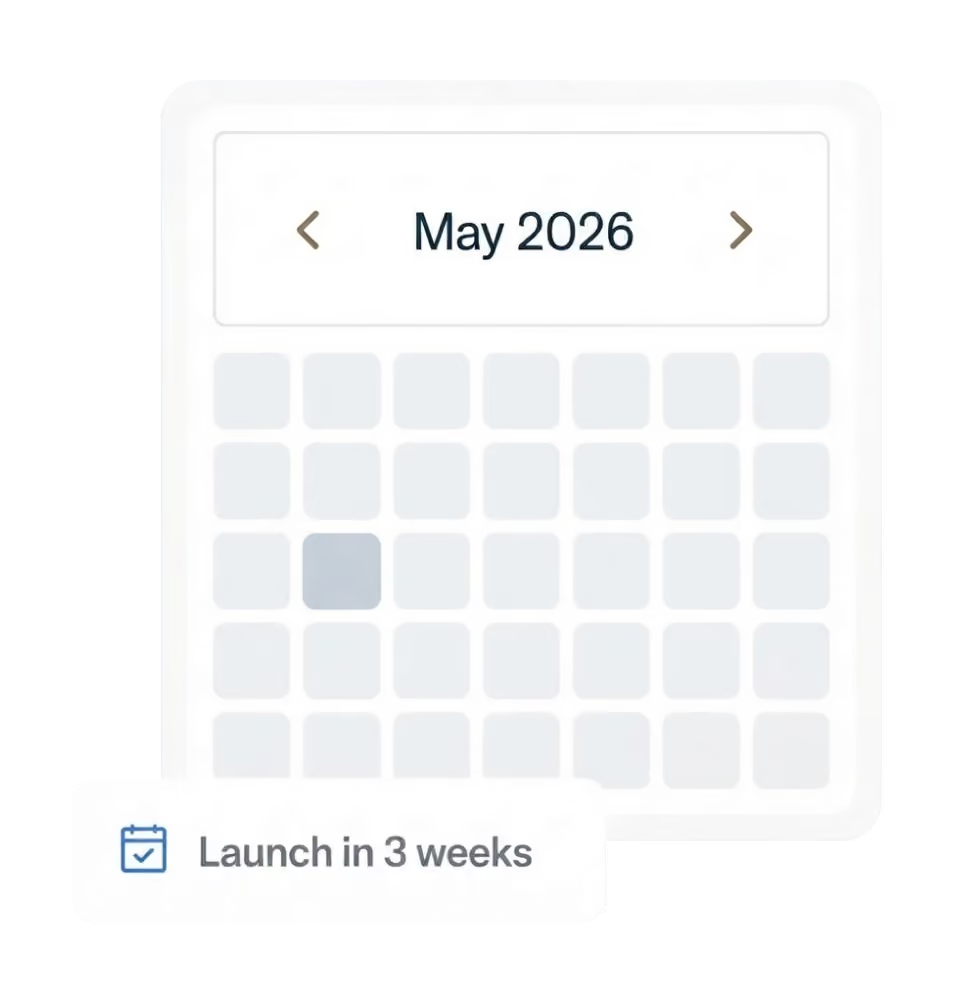
Deploy
Payra is synced with your live environment and payments are being collected and posted in real time! The whole process takes 3 weeks.
Enterprise-grade, built to move transactions of any size
What you can expect from Payra:
40%
Reduction in DSO

3 weeks
Average time to go fully live
99%
Automatic cash application match rate
75%
Reduction in customer calls and follow-ups


%20(1).webp)

Enterprise-grade security. Built in from day one.
Your data is protected, your transactions are secure, and your customers can trust the experience on every interaction.


FAQs
Do you offer training?
Yes - we build a training schedule after contract signature to ensure your team is prepared for the daily use of Payra. We have 100% USA based support that is available for any need you have.
Do I need IT or a developer to set it up?
No. Payra's implementation team handles the integration setup. Most customers are live within 3 weeks. There is no internal development work required.
How many people can I add to Payra?
We don’t limit the number of users in your system, nor do we charge more for more users. Give access to your entire team with specific role permissions.
Will payments automatically reconcile in QuickBooks Online?
Yes. Payments processed through Payra are automatically matched and posted to the correct QuickBooks Online GL accounts, eliminating manual reconciliation and reducing the risk of posting errors.
Does Payra work with our existing QuickBooks Online chart of accounts?
Yes. During onboarding, Payra maps to your existing GL structure so payments post to the right accounts without requiring any changes to your QuickBooks Online setup
Is payment data visible inside QuickBooks Online, or do I have to switch between systems?
Payment status, history, and remittance details are accessible directly within QuickBooks Online — your team doesn't need to log into a separate portal to see what's been paid.