My Dashboard
Your personalized revenue hub. Track key metrics and pin insights to your dashboard.












Independently audited security controls verified annually
Fine-grained access control at the module or role level
Card payments are verified with 3D Secure at checkout, which moves the liability for fraud chargebacks off you and onto the card issuer.
Accounts receivable automation reduces the manual work involved in getting paid. Payra connects invoicing, payments, reminders, and cash application with your existing ERP, helping your team collect faster and keep financial records in sync.
Payra helps shorten the time between sending an invoice and receiving payment. Customers get easier ways to pay, reminders keep invoices moving, and your team gains visibility into overdue balances and changing payment patterns. Together, these capabilities help free up cash tied up in receivables.
Cash application is the process of matching incoming payments to outstanding invoices and updating your accounting records. Payra reads remittance details, suggests invoice matches, and flags uncertain items for review. Your team can review the matches and send them to your ERP in batches.
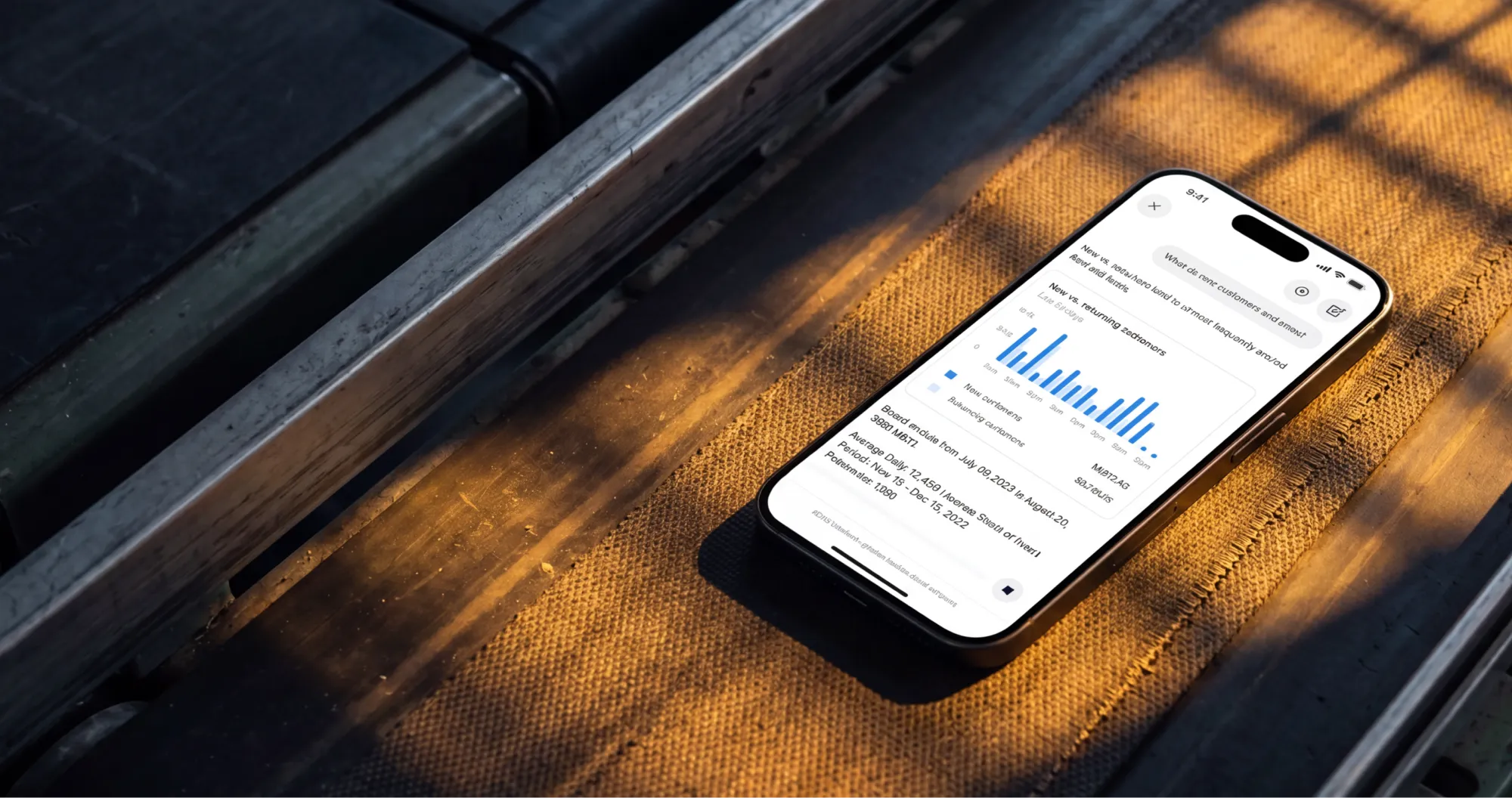
Payra’s AI reads payment and invoice data, helps match payments, and turns ERP data into financial insights. It highlights changes in receivables and customer payment patterns, helping your team understand what needs attention and make informed decisions about cash flow.
Invoice-to-cash automation connects the steps from delivering an invoice to receiving and recording payment. Payra brings invoicing, payment reminders, customer payments, and cash application together with your ERP, reducing manual handoffs across the process.
Payra supports ERP systems including Epicor Prophet 21, Trimble Vista and Spectrum, Sage 100, Sage Intacct, Sage 300, NetSuite, Acumatica, Microsoft Dynamics, and QuickBooks Desktop and Online. Contact our team to confirm support for your ERP version and workflow.
Payra extends your ERP with connected payments, customer self-service, automated reminders, AI cash application, and financial insights. Your ERP remains your system of record, while Payra reduces the manual work between invoicing, collecting, and recording payments.
Payra’s published average time to go live is about three weeks on most ERPs. Your timeline depends on your ERP and current workflows. Book a demo to see the integration and discuss a realistic rollout for your business.